
Game 4 of 5 · Quick rules
Parcel Inspector
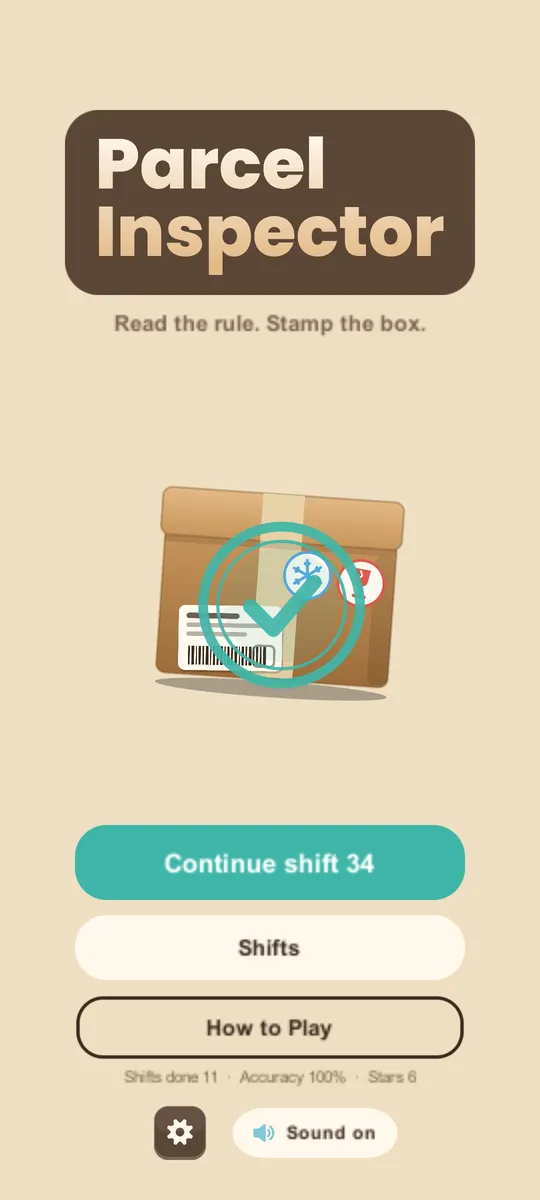
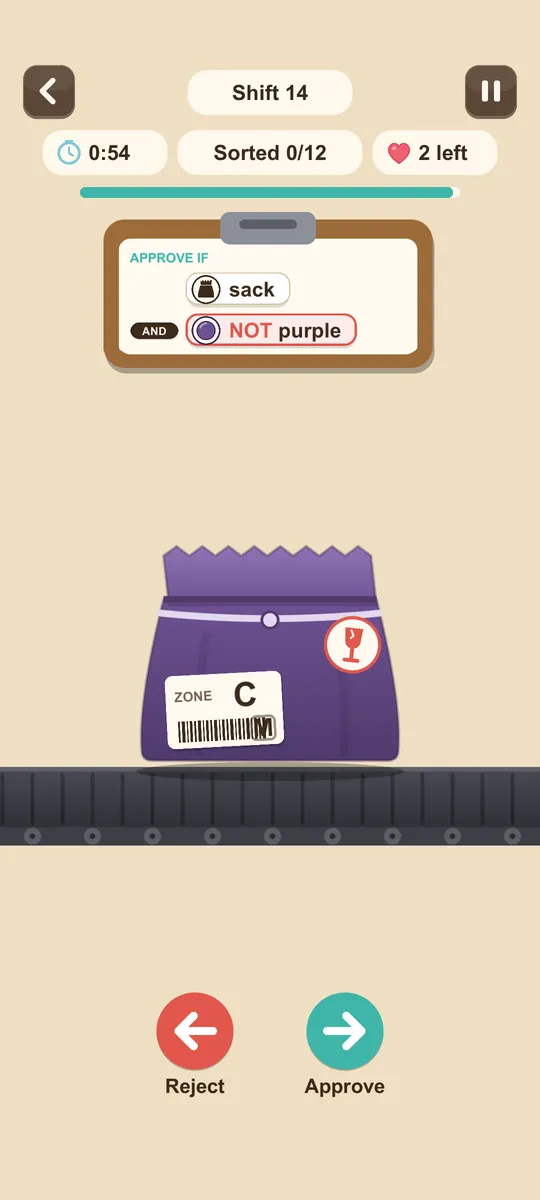
Swipe right to ship. Swipe left to reject.
Parcels stop on the conveyor one at a time. Check each one against the clipboard rules (shape, colour, size, damage) and approve or reject it before the shift clock runs out.
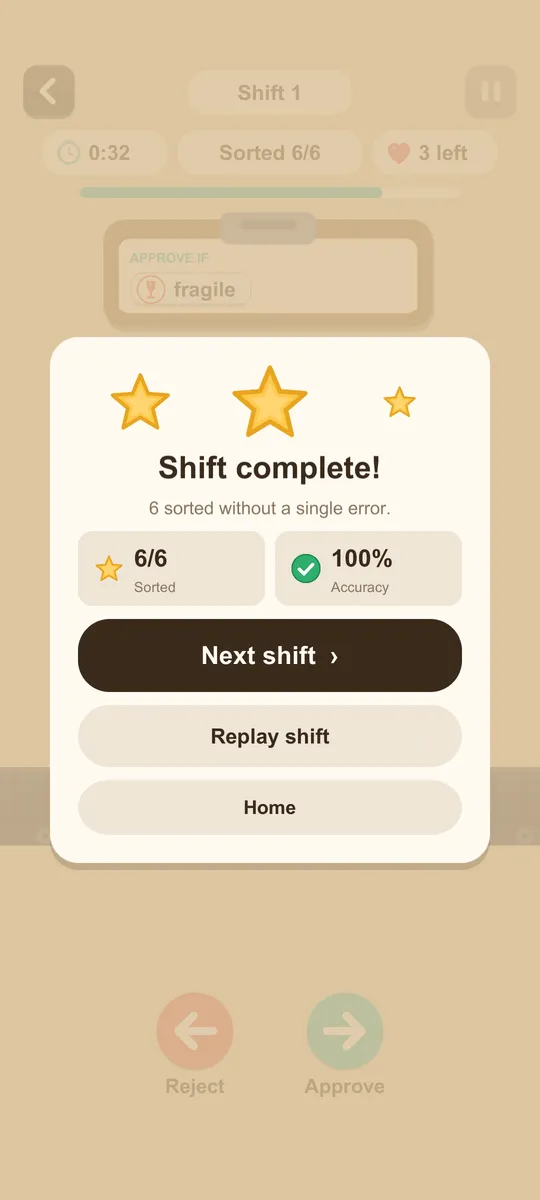
- 25 training shifts
- Endless generated shifts
- Rules joined by AND / OR
- Fast one-thumb swiping
Support
Questions, bugs or ideas: email support@karambola.app. Please include your phone model and the shift number.
Your progress
There is no account. Your progress and settings are saved on your device only, and nothing is sent to us. Deleting the app deletes them, and we can't restore them. Settings → Reset progress starts over.
Ads
Parcel Inspector never shows an ad you didn't ask for: no banners, no pop-ups between shifts. After a failed shift you can choose to watch a short ad to retry it with a slower belt. Retrying without it is always free.
Privacy choices
Where the law requires it, the game asks for your ad choices on first launch. To change them later, open Settings in the game and tap Privacy choices. Read the full privacy policy and terms of use.
Settings
Sound, Haptics, Larger text, Reduce motion, Buttons only (no swipe).
Delete your data
We don't hold any data about you, so there is nothing to delete on our side. Uninstall the app to remove everything stored on your device. To reset your advertising ID, see the privacy policy.